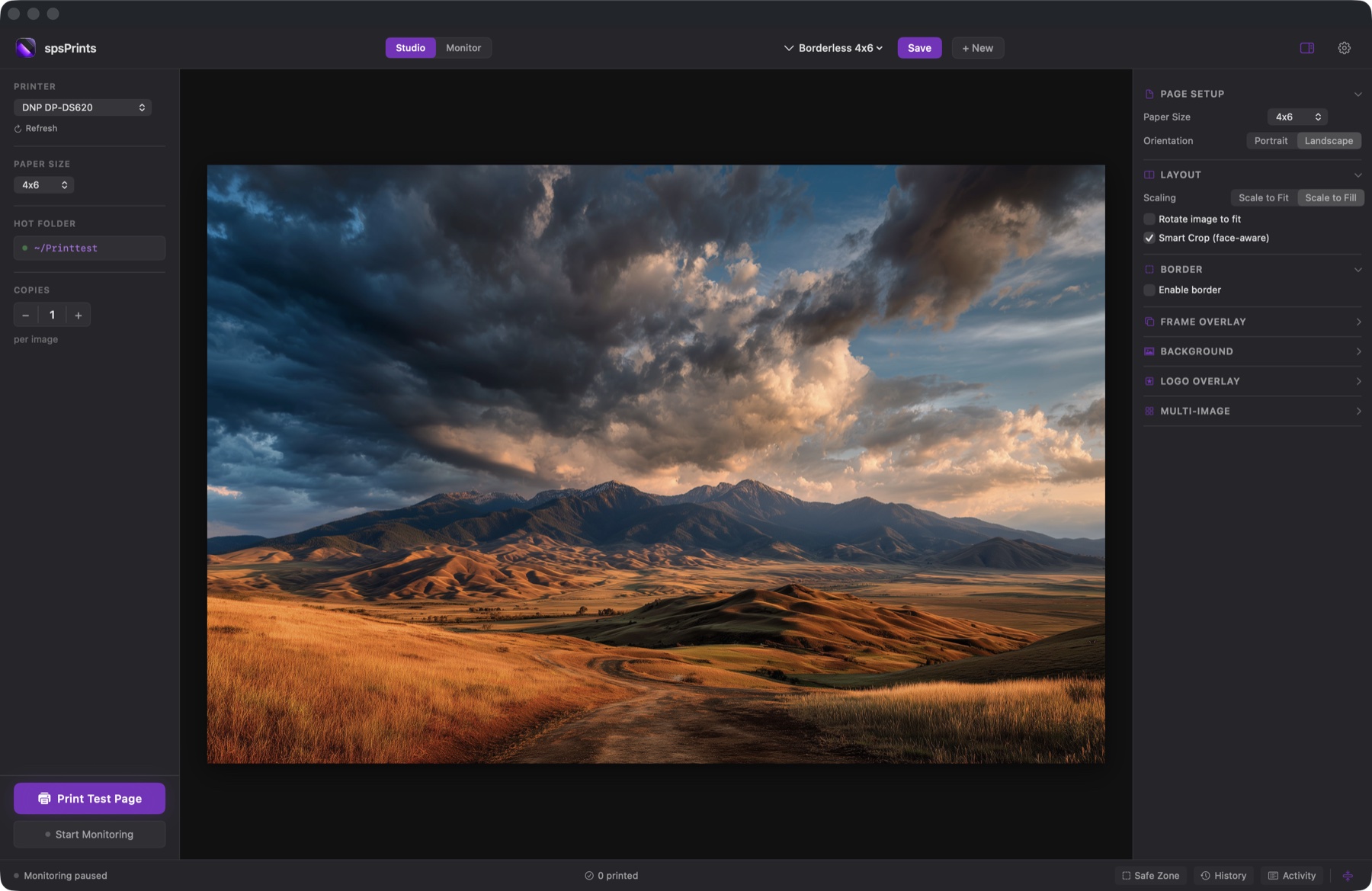
Hotfolder Monitoring
Point PrintStation at any folder. New images are detected instantly and sent to your printer — no manual intervention required.
Template Editor
WYSIWYG canvas editor with live preview. Design multi-image layouts, add borders, logos, and overlays — then save and reuse templates.
Face-Aware Smart Crop
Uses Apple Vision to detect faces and intelligently bias cropping, so no one gets cut off — even in multi-image layouts.
Borderless Printing
Full bleed support for dye-sub printers like the DNP DS620 and Mitsubishi. Edge-to-edge prints, every time.
Multiple Paper Sizes
Supports 4×6, 5×7, 8×10, Letter, and A4. Switch between sizes and templates with a click.
Template Export & Import
Share print templates between machines in one click. Great for multi-station event setups and standardizing prints across a team.